Pro Modules
Code Snippet Embed
👉 View module on HubSpot Marketplace
The Code Snippet Embed (GitHub Gist) module lets you embed real GitHub Gists directly into your HubSpot pages. It comes with flexible styling, support for multi-file Gists, line highlighting, and built-in caching for blazing fast performance.
👉 View module preview — this is a HubSpot landing page showing the module in action. You can use it to test performance with tools like PageSpeed Insights.
Content tab
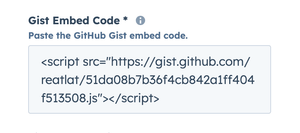
Gist Embed Code
Paste the GitHub Gist embed code here. This is the only required field — it loads the snippet from GitHub and renders it inside HubSpot.
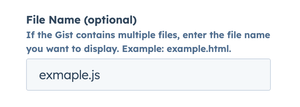
File Name (optional)
If your Gist contains multiple files, specify the exact file you want to display. Leave blank to show the default file.
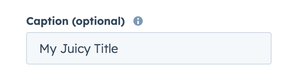
Caption (optional)
Add a short caption above the code block. Great for labeling examples like “Example HTML snippet” or “Config.js sample.”
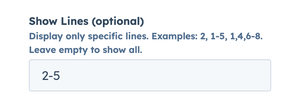
Show Lines (optional)
Display only specific lines from the snippet. Examples: 2, 1-5, 1,4,6-8. Leave empty to show all lines.
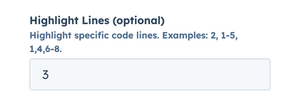
Highlight Lines (optional)
Highlight specific lines to draw attention to important parts of the snippet. Examples: 2, 1-5, 1,4,6-8.
Advanced options
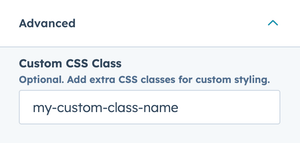
Expand the Advanced group in the sidebar:
- Custom CSS Class — add extra classes for targeting or styling.
Style tab
Gist Style
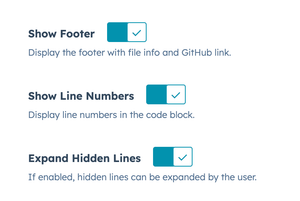
- Show Footer - Toggle whether the footer (with file name and GitHub link) should be displayed.
- Show Line Numbers - Enable or disable line numbers in the code block.
- Expand Hidden Lines - Allow users to expand collapsed code blocks and view hidden lines.
Appearance
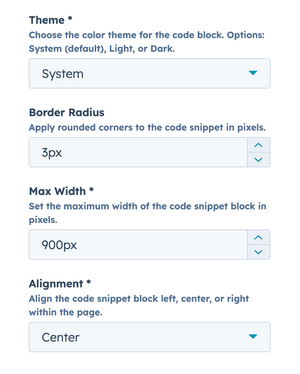
- Theme – Choose between System (default), Light, or Dark themes. System adapts to the visitor’s OS preference.
- Border Radius – Round the corners of the code snippet (in pixels). Example: 3 adds subtle rounding.
- Max-Width – Set a maximum width (in pixels) for the snippet container. Example: 900 ensures the block fits your layout.
- Alignment – Align the code snippet within its container: Left, Center, or Right.
Looking to install this module?
👉 Get Lite Video Embed on the HubSpot Marketplace